
Dashboard & account
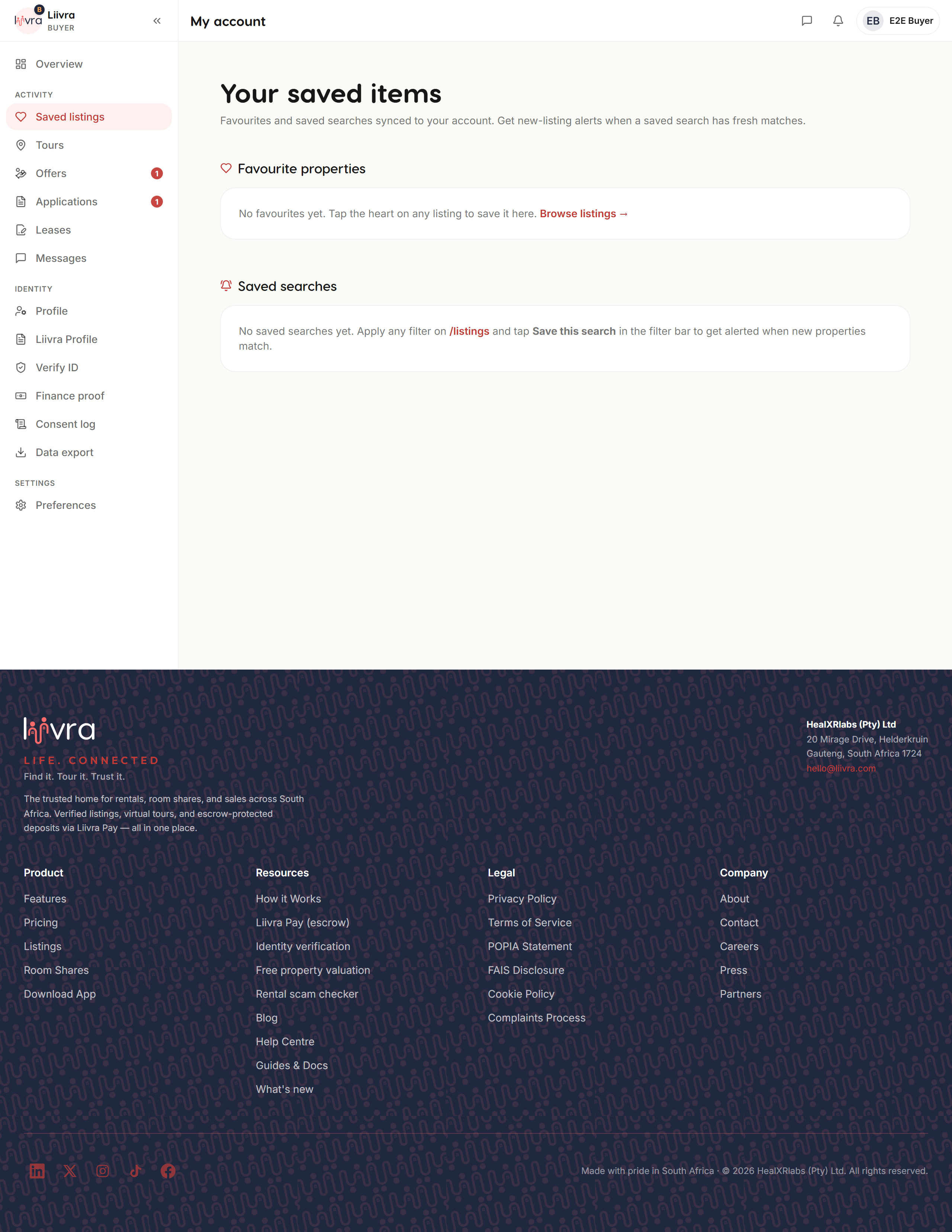
Your saved homes & searches
Keep your shortlist and your searches in one place — and let Liivra watch the market for you.
Last updated 2026-07-29
As you browse, save the homes you like and the searches you keep running. Liivra keeps them together and does the watching for you.
Where to find them
Account → Saved (/account/saved) holds two things:
- Saved homes — the individual listings you've favourited (tap the heart on any listing).
- Saved searches — a set of filters you've kept, so you don't re-type them every time.
Let Liivra watch the market
Turn a search into a saved-search alert and Liivra checks the market for you — new homes that match your filters arrive as a daily digest by push, email, or opt-in WhatsApp. (Daily, never "instant" — a tidy once-a-day summary rather than a stream.) Tune the channels under communication preferences.
Making the most of it
- Save generously while you browse — it's your working shortlist, private to you.
- Compare your saved homes side by side before you enquire or apply.
- When you're ready, jump from a saved home straight to booking a viewing or applying.
Your saved list is the launch pad for the rest of the journey — find it, tour it, trust it.
Screenshots
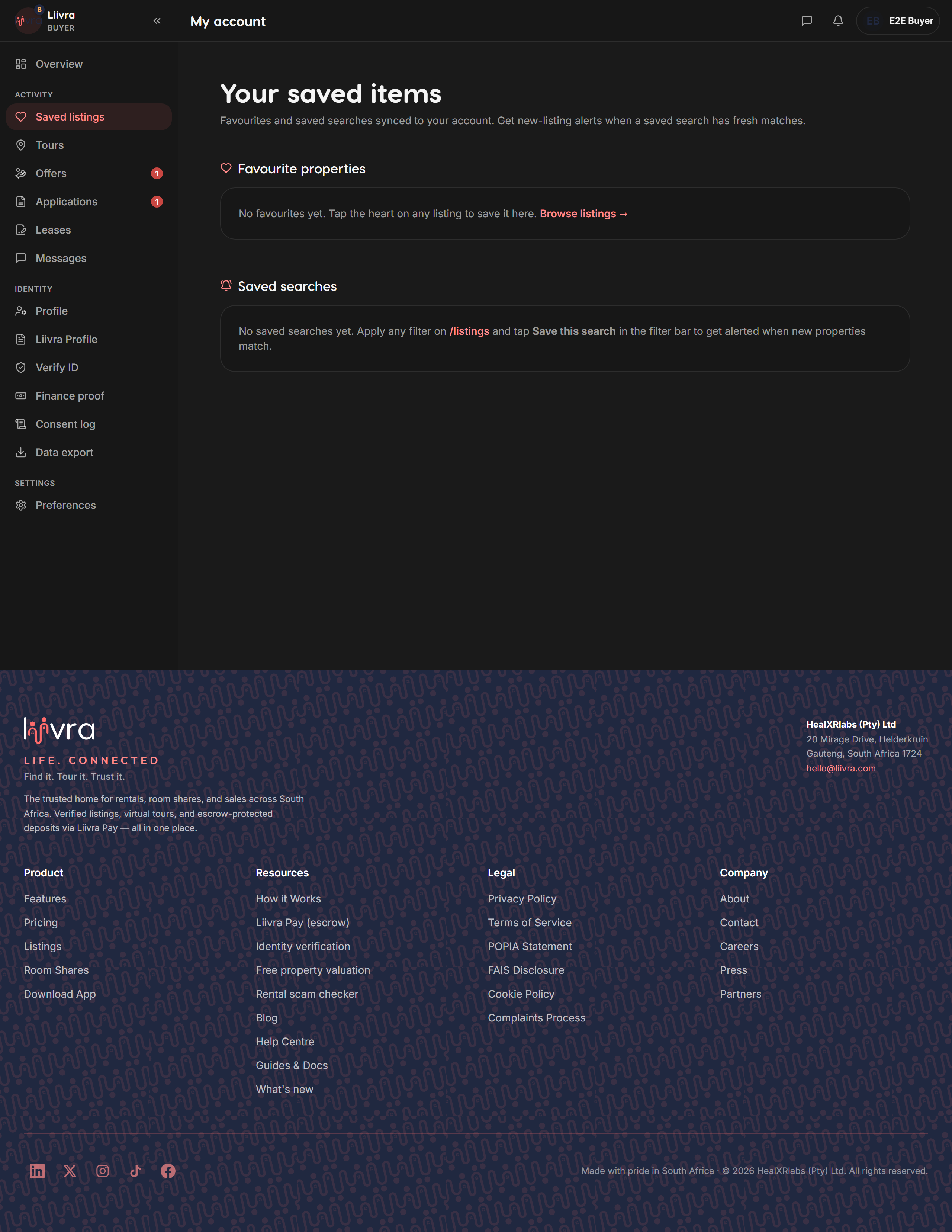
Captured from the live Liivra web app.