
Dashboard & account
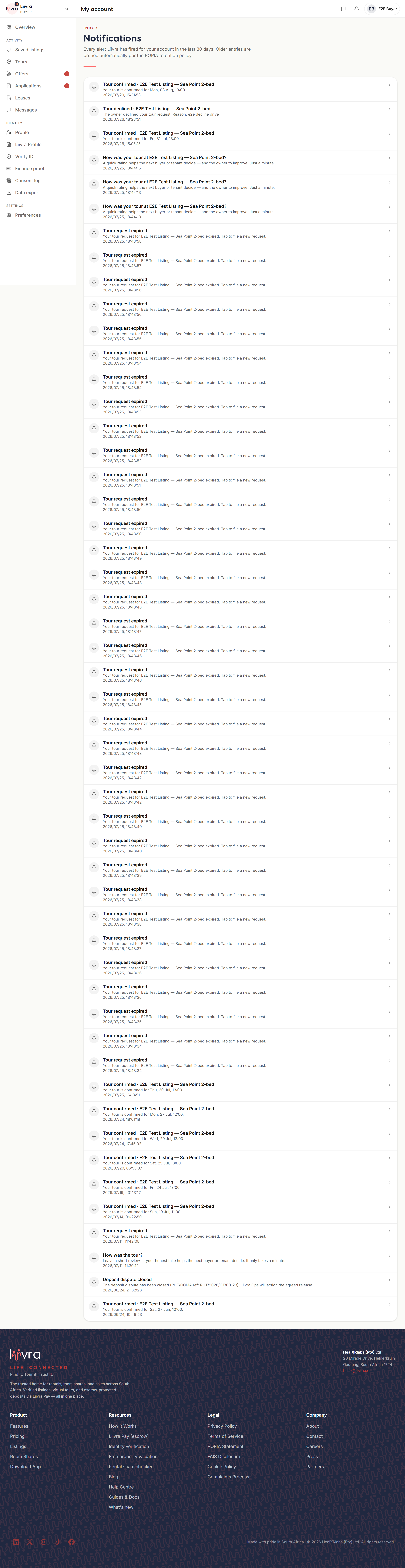
Notifications centre
One place for everything that needs your attention — new matches, messages, applications, and money.
Last updated 2026-07-29
Your notifications centre is the running feed of everything happening on your account — so nothing important slips past.
Where to find it
- Tenants and buyers: Account → Notifications (
/account/notifications). - Landlords, agents, and sellers: Dashboard → Notifications (
/dashboard/notifications).
The bell in the header shows a count when you have something unread.
What you'll see here
- New matches & saved-search alerts — homes that fit what you're looking for.
- Messages — a new chat from an enquirer, applicant, or agent.
- Applications & offers — a new application on your listing, an offer made or accepted, a status change.
- Tours — a request, a confirmation, a reminder before a viewing.
- Money — a deposit recorded, a payout, an invoice, a subscription renewal.
- Verification & trust — the result of an identity, ownership, or screening check.
Staying on top of it
- Open a notification to jump straight to the thing it's about.
- Choose how you're told — push, email, or opt-in WhatsApp — under communication preferences.
- Saved-search alerts are sent daily, not instantly, so you get a tidy digest rather than a stream of pings.
If a notification mentions a sign-in or a payment you don't recognise, treat it as a red flag and secure your account.
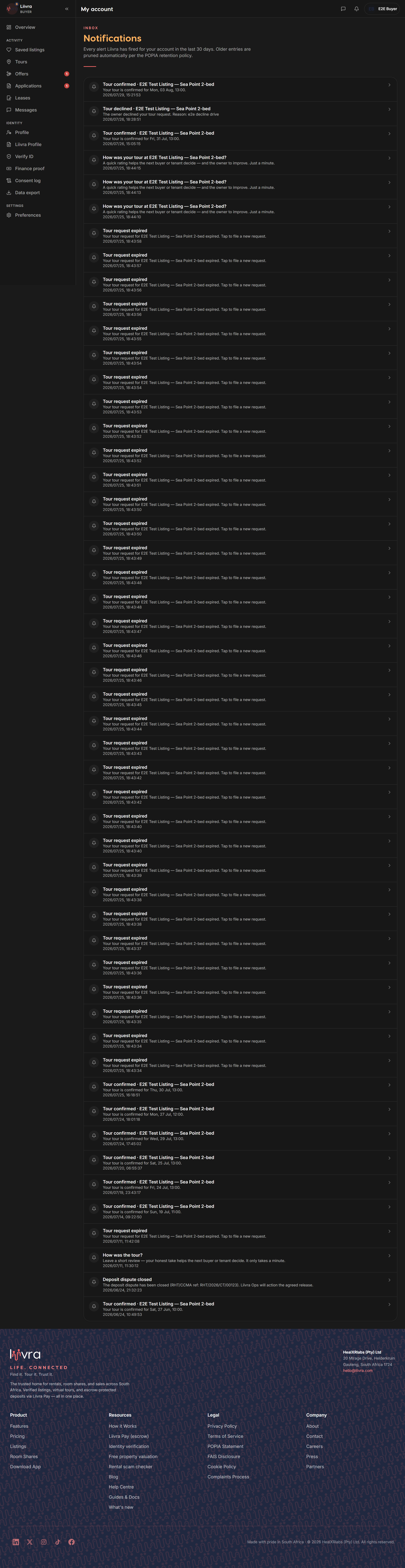
Screenshots
Captured from the live Liivra web app.