
Dashboard & account
Communication & alert preferences
Choose how Liivra reaches you — push, email, WhatsApp — and how often.
Last updated 2026-07-29
You decide how Liivra keeps you in the loop. Set your channels and cadence once, and every alert follows your rules.
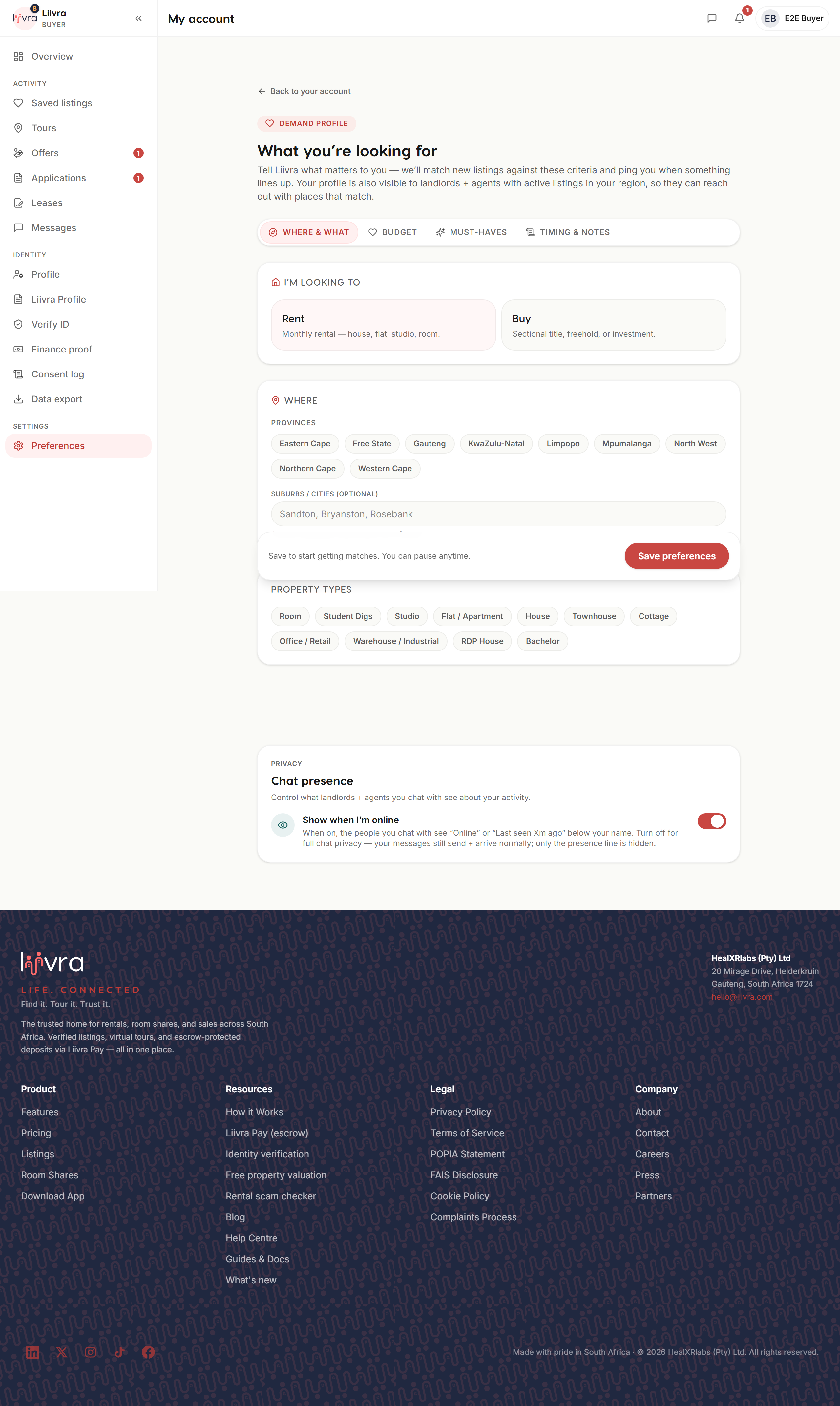
Where to set them
Account → Preferences (/account/preferences).
Your channels
- Push — instant alerts on your phone for the things you care about.
- Email — a reliable fallback and the home for digests and receipts.
- WhatsApp — opt-in only. We only message you on WhatsApp if you switch it on, and only for the alert types you've chosen.
Turn each channel on or off per type — for example, push for new messages but email for saved-search digests.
How often
- Saved-search alerts are daily. New homes matching your searches arrive as a once-a-day digest, not a live stream — so you stay informed without being buzzed all day.
- Transactional alerts — a message, an offer, a payment — are sent as they happen, because they're time-sensitive.
POPIA & consent
Your communication settings sit alongside your privacy and POPIA controls. You can withdraw consent for a channel at any time, and marketing is always separate from the essential alerts about your deals.
Set it and forget it — Liivra will only reach you the way you asked to be reached.
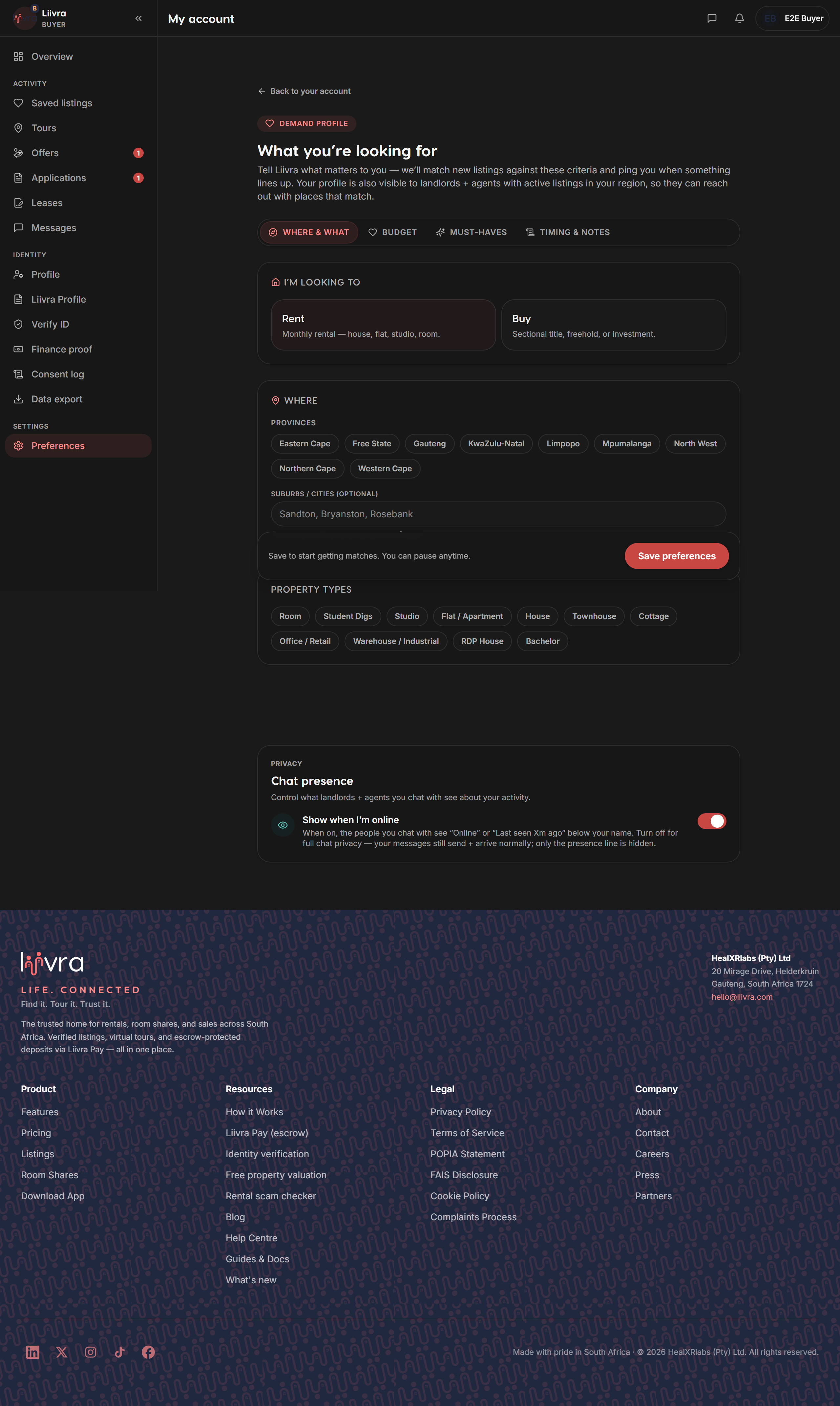
Screenshots
Captured from the live Liivra web app.