
Dashboard & account
Set your tour availability
Publish the times you can show a home, with buffers — and let tenants book the slots that suit them.
Last updated 2026-07-29
Tell Liivra when you can show a home and it does the scheduling for you — tenants and buyers book only the slots you've opened.
Where to set it
Dashboard → Availability (/dashboard/availability).
Building your windows
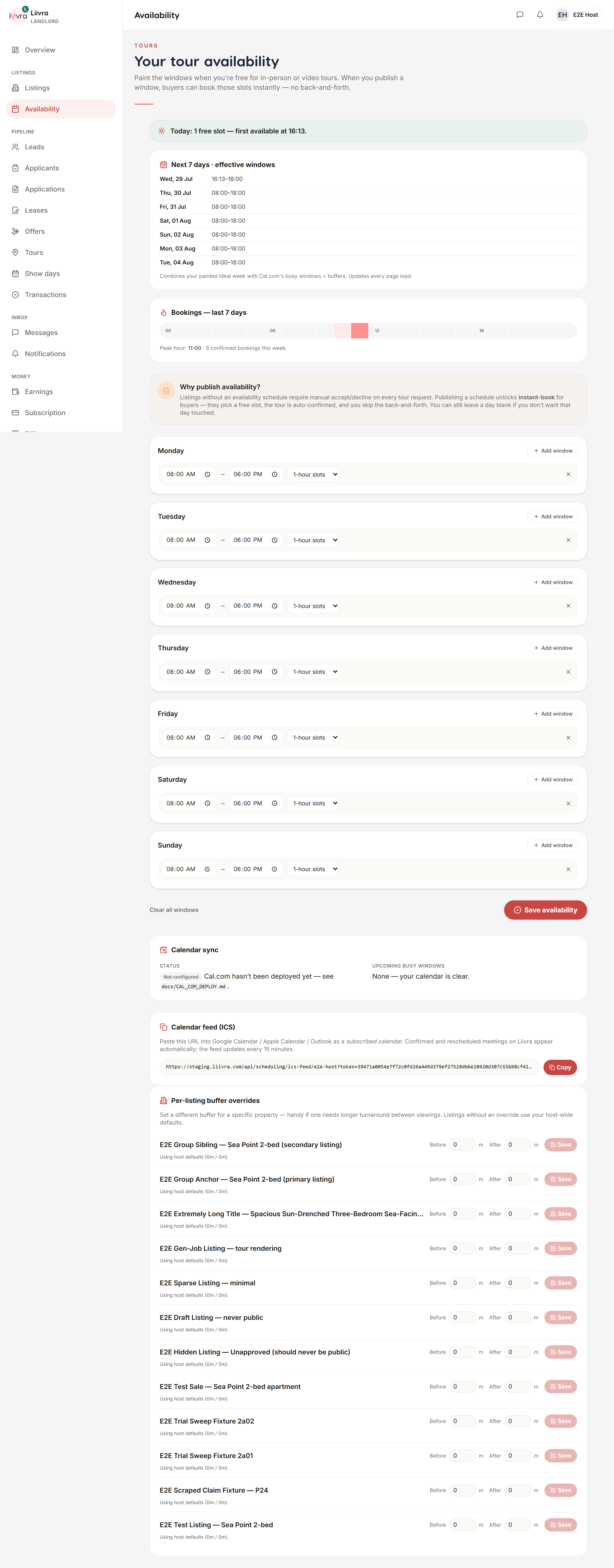
- Set weekly windows — the days and hours you're available to show homes.
- Add a buffer between tours, so back-to-back viewings never overlap and you have time to travel.
- Your windows apply across your listings; you can fine-tune per property where you need to.
How tenants book
When someone opens book a viewing on your listing, they only see the slots inside your published windows — so every request already fits your diary. You confirm, and both sides get 24-hour and 2-hour reminders.
Show Days
For an open house, publish a Show Day instead — one time slot, many RSVPs, with atomic capacity so you never over-book the room.
Never lose your schedule
If a save can't go through, your existing windows stay exactly as they were — a bad save never wipes your availability. Update it whenever your week changes.
Set it once and let the bookings flow to the times that actually work for you.
Screenshots
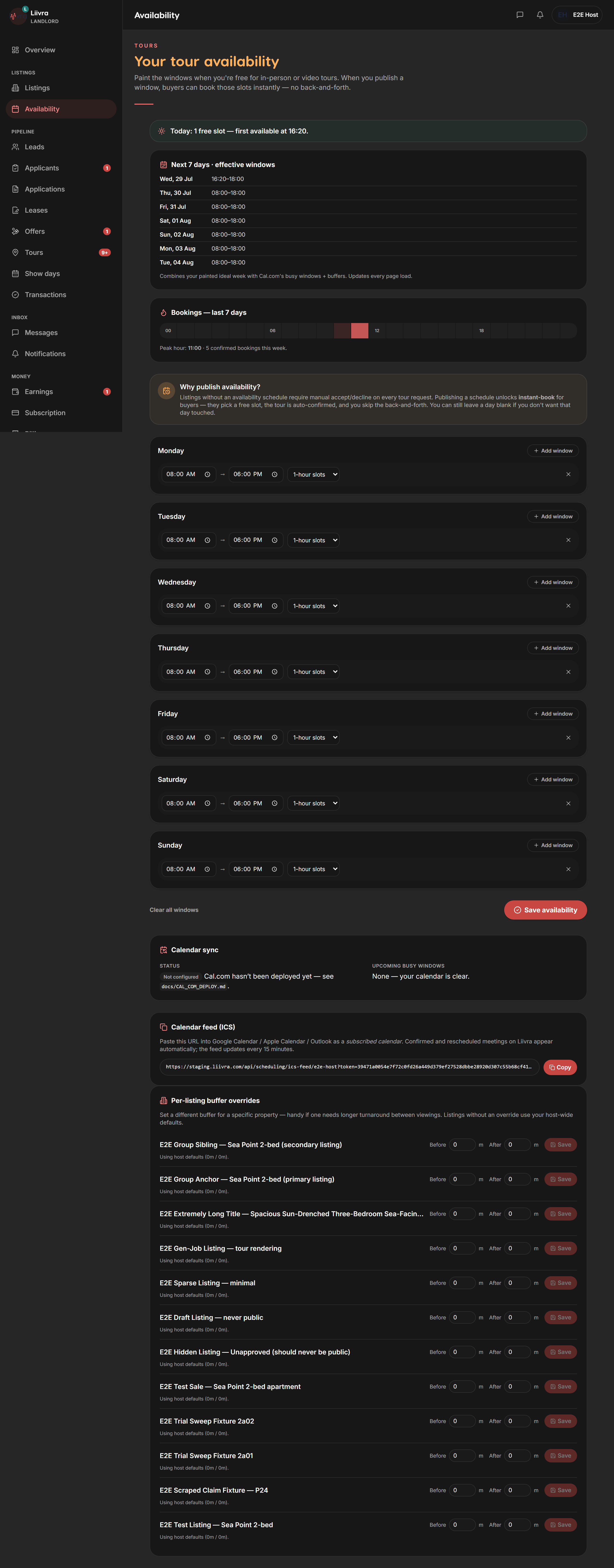
Captured from the live Liivra web app.
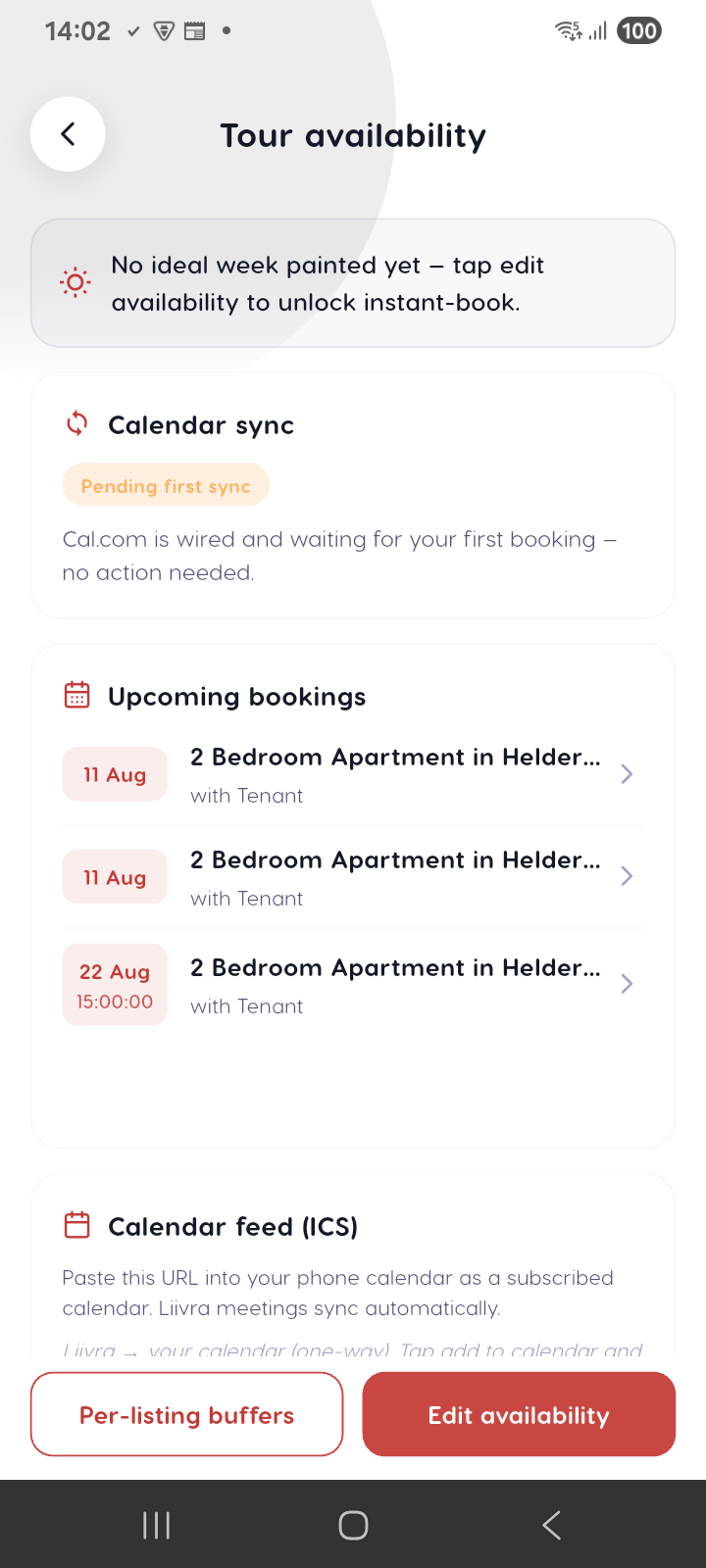
On mobile
The same screens in the Liivra iOS & Android app.