
Dashboard & account
Managing your listings
Pause, resume, edit, promote, or archive — run your whole portfolio from one dashboard.
Last updated 2026-07-29
Once a home is live, your listings dashboard is where you run it — and everything else you have on the market.
Where to find it
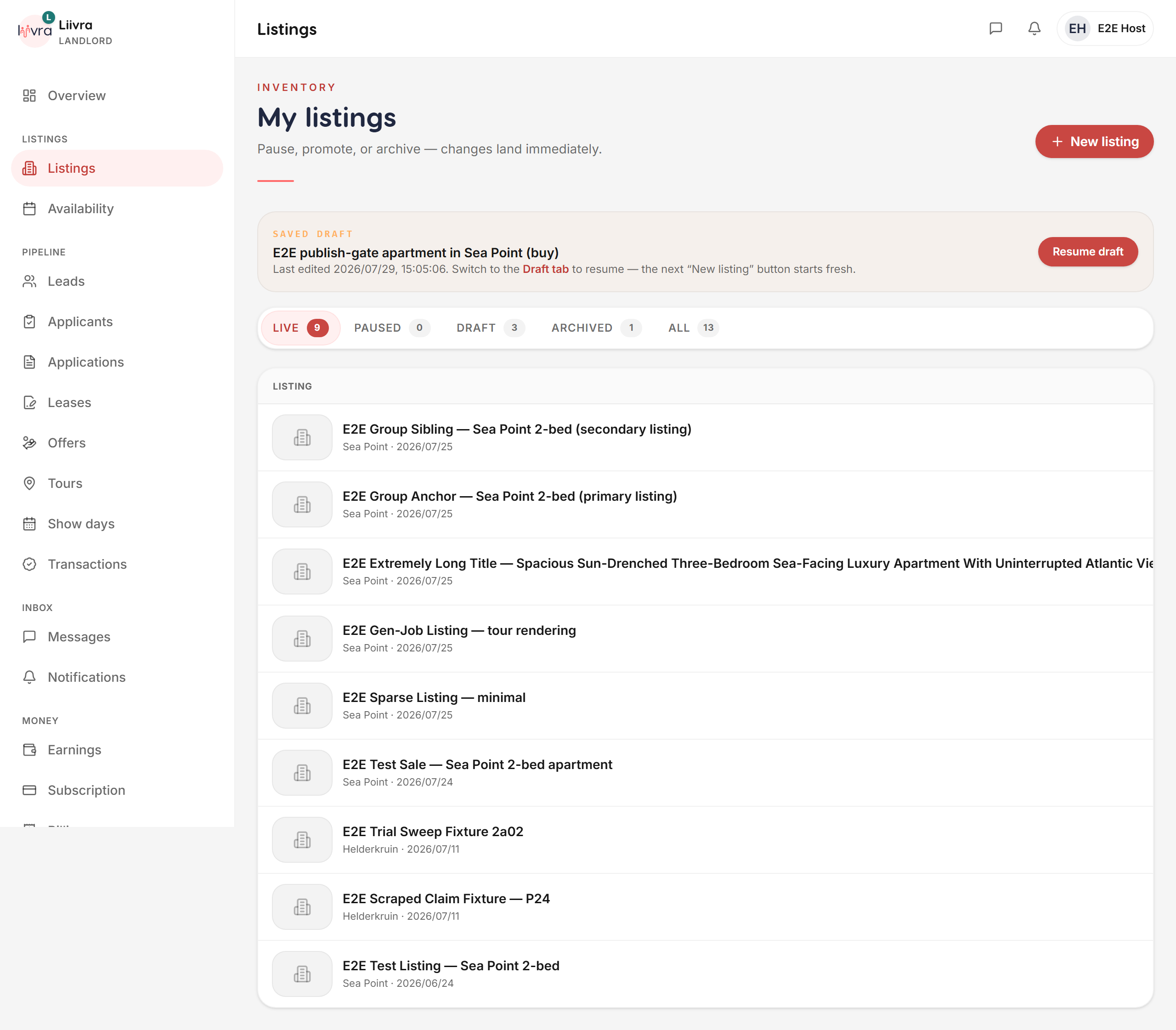
Dashboard → Listings (/dashboard/listings).
What you can do per listing
- Edit — update price, details, amenities, or photos in a single sitting. Changes apply live; buyer-visible edits go through a quick re-review to keep listings trustworthy.
- Pause & resume — take a home off the market temporarily (it's under offer, say) and bring it back with one tap.
- Archive — retire a listing you're done with; it drops out of your active list without being deleted.
- Promote — put a home in front of more people with Spotlight or Home Hero.
- Add immersive media — attach a 360° tour or 3D dollhouse, or polish the photos.
Keep it healthy
- Your AI Quality Score coaches each listing toward more views and leads.
- A 30-day availability nudge keeps your feed honest — confirm a home is still available so tenants only see real, current listings.
- Watch how each home performs on your performance dashboard.
Everything about a listing — its life, its money, its reach — starts here.
Screenshots
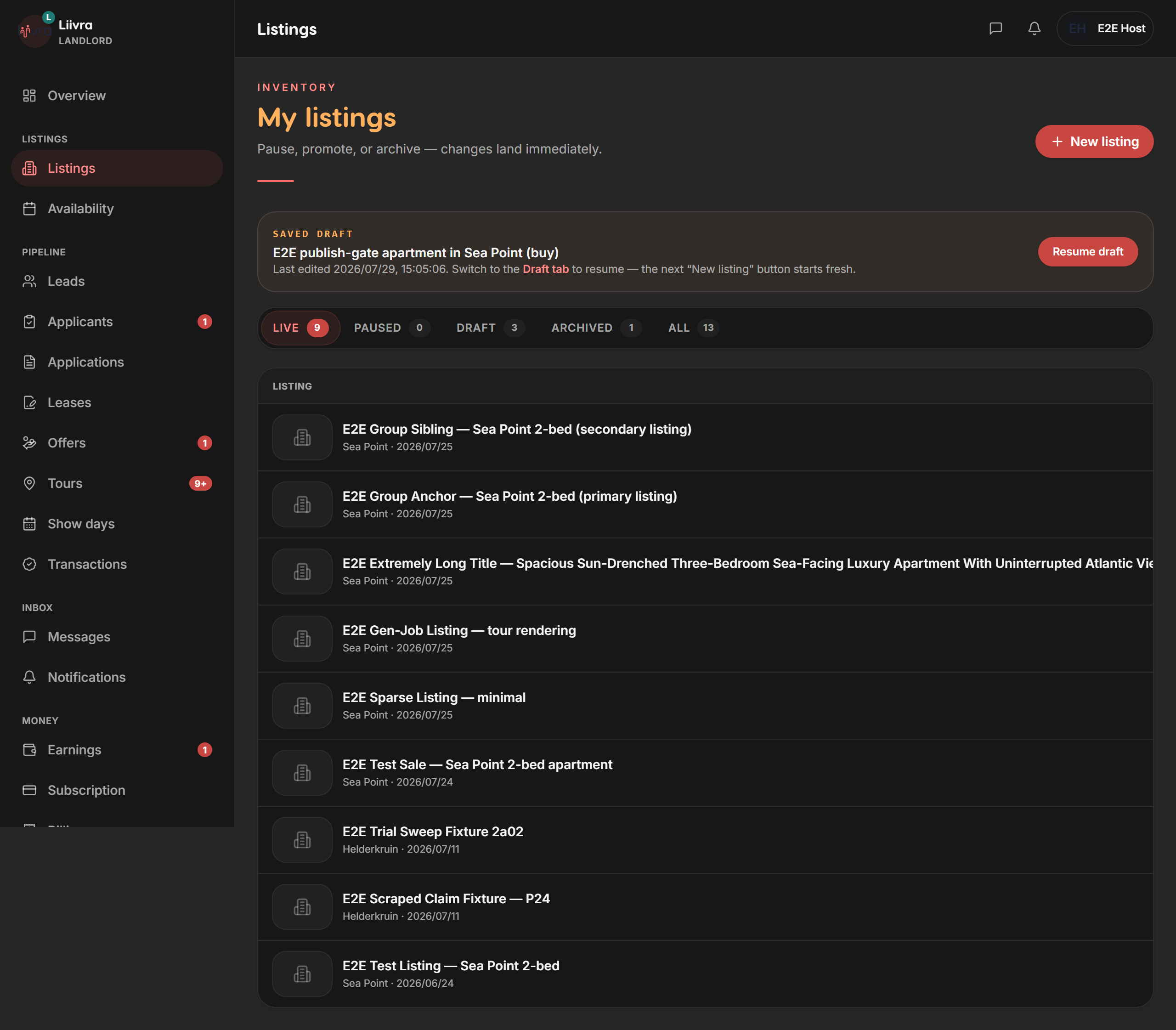
Captured from the live Liivra web app.
On mobile
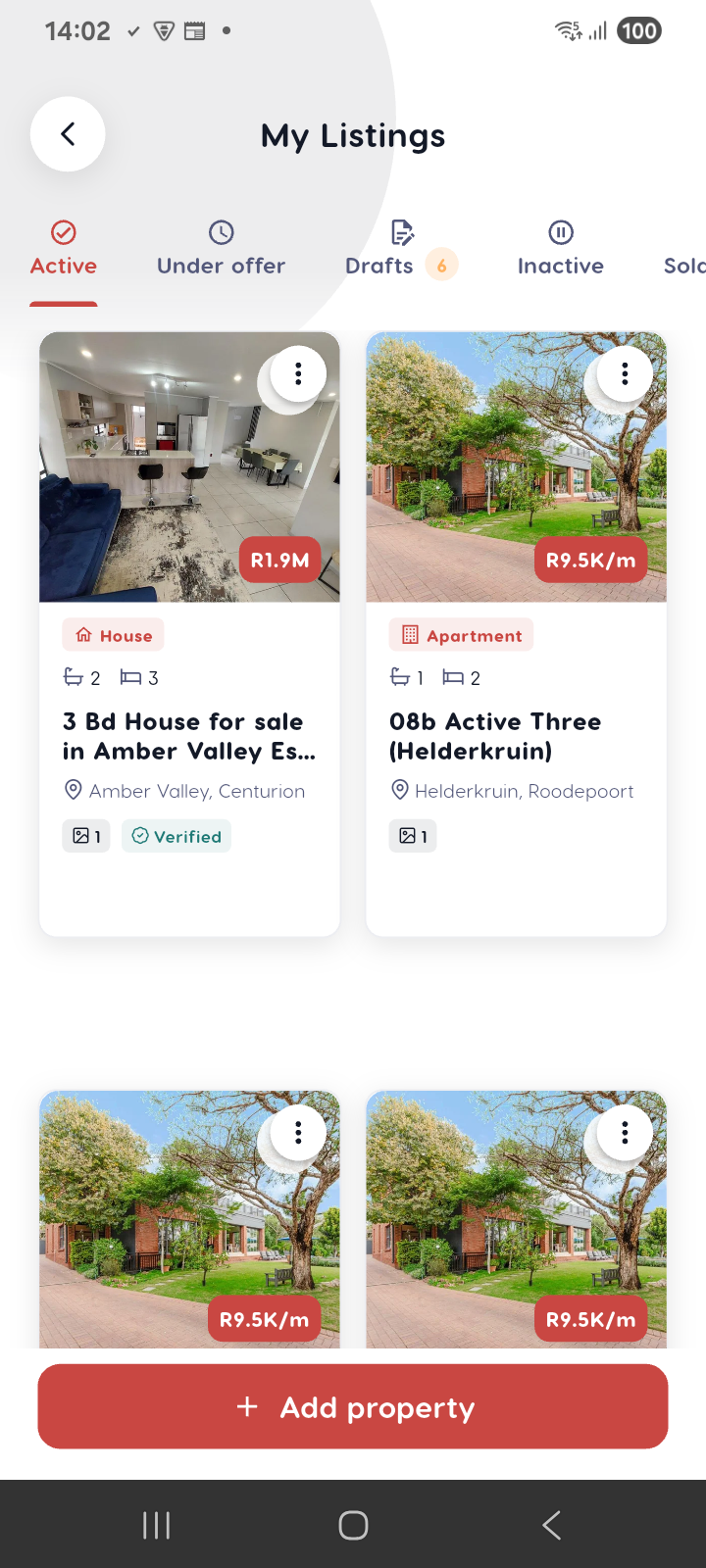
The same screens in the Liivra iOS & Android app.