
Dashboard & account
Agent mandates
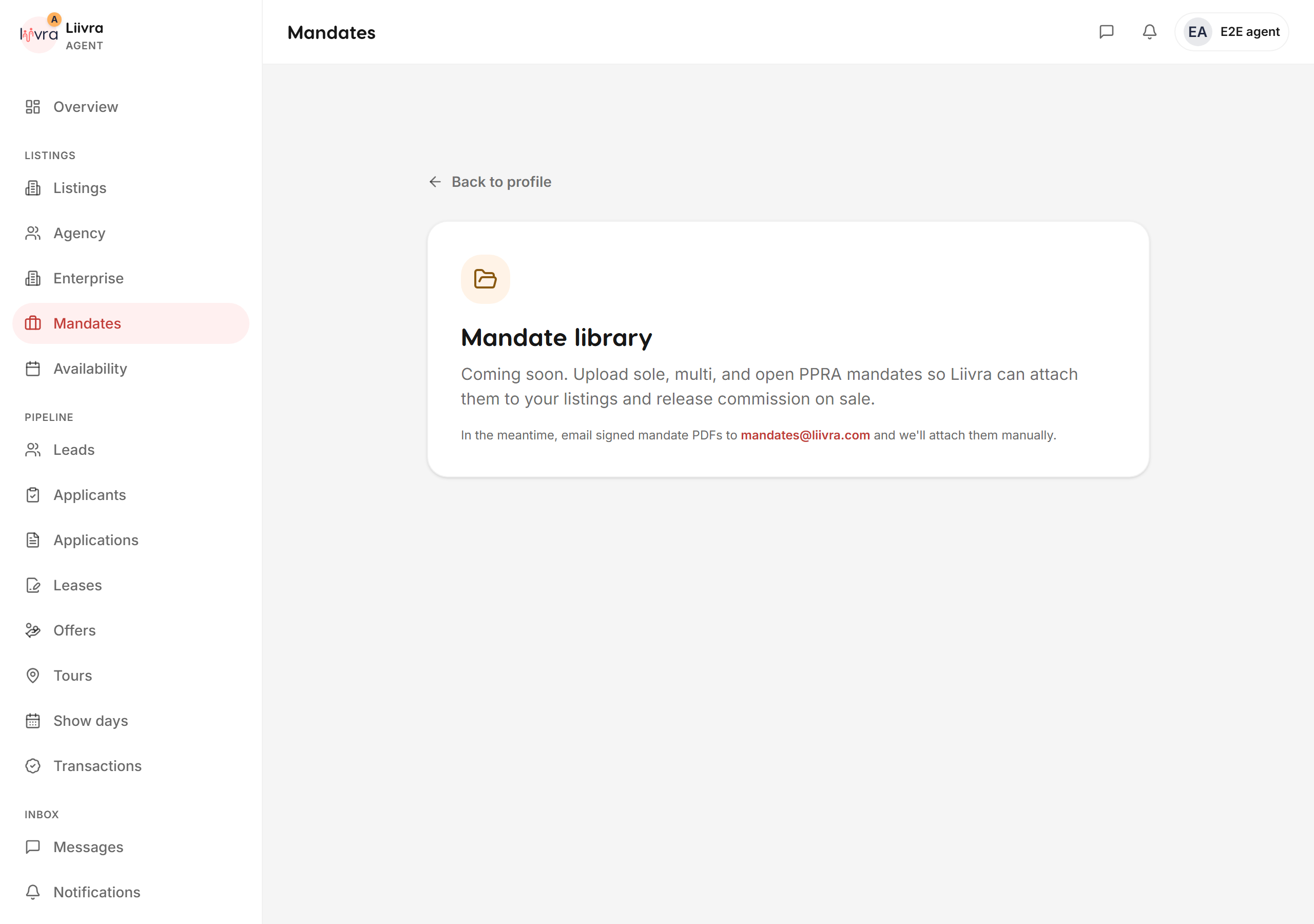
See the mandates you hold across your listings in one register.
Last updated 2026-07-29
Your mandates register is the at-a-glance view of the properties you're authorised to market — the backbone of a professional, compliant agency operation.
Where to find it
Dashboard → Mandates (/dashboard/mandates).
What it shows
- The listings you hold a mandate on — each property you're authorised to market, in one place.
- The context you need to act with confidence: which homes are yours to work, and their current status.
It's a read-only register — the authoritative view of your mandated stock — so you always know exactly what you're representing.
Why it matters
As a PPRA/FFC-verified agent (see agent PPRA verification), marketing only the properties you're mandated to represent is both good practice and a trust signal to buyers and sellers. When you claim a listing, the mandate evidence you provide is what puts it on this register.
Related
- Track how each mandated home performs on your performance dashboard.
- Run your whole book from managing your listings.
Your mandates, always in view — professional, compliant, and clear.
Screenshots
Captured from the live Liivra web app.