
Dashboard & account
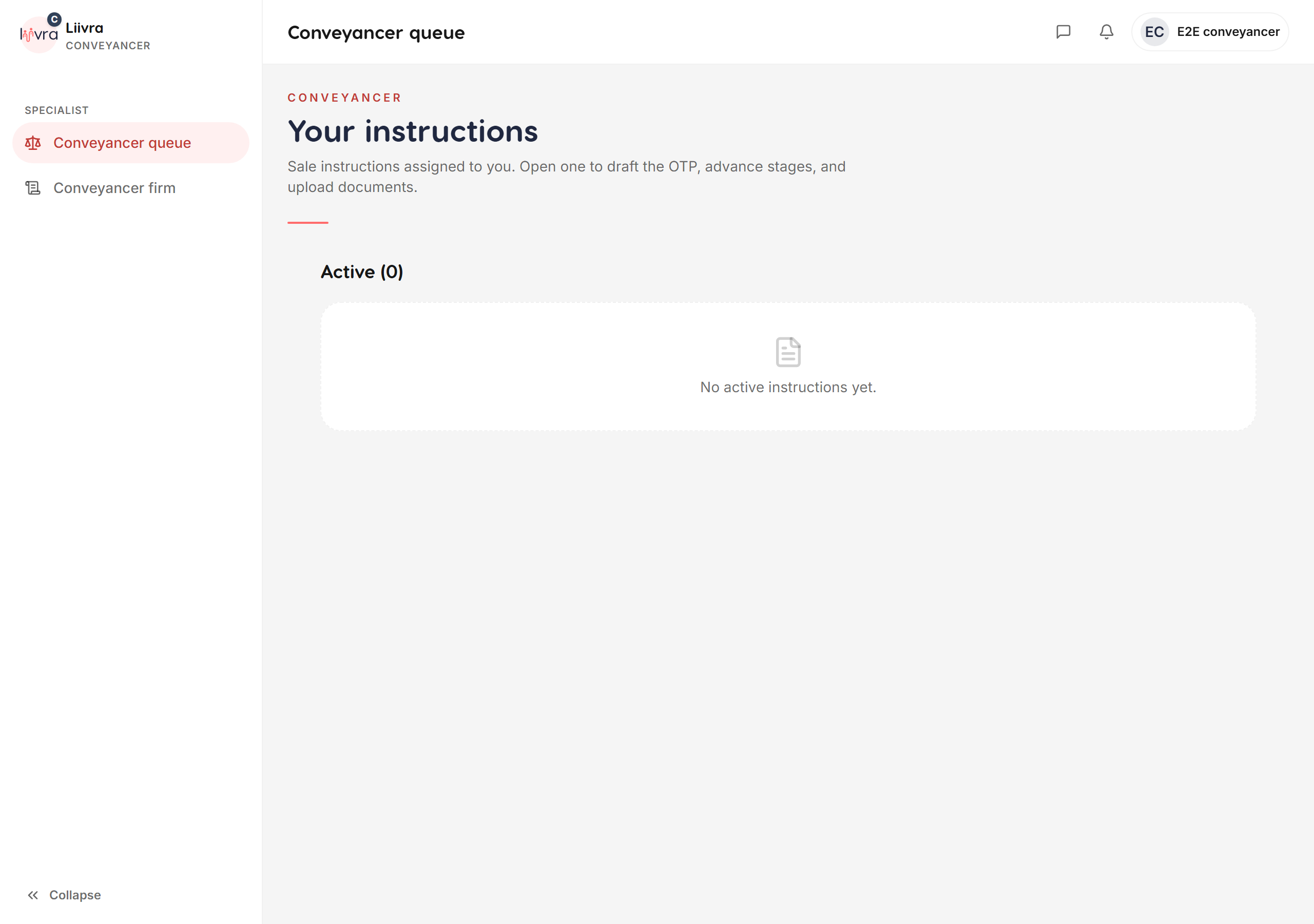
Conveyancer transfer queue
For conveyancers — manage assigned transfers and record the deposit release from your trust account, on the web.
Last updated 2026-07-29
When a sale's deposit is held in the appointed conveyancer's section-86 trust account, the conveyancer manages the transfer and records the deposit's release from a dedicated web dashboard. Liivra doesn't hold the deposit — it keeps the record.
This is a web-only role surface, built for the desk work of a property transfer.
Where to find it
Dashboard → Conveyancer (/dashboard/conveyancer), with each matter at /dashboard/conveyancer/[id].
What you can do
- See your assigned transfers — the deals where the seller has appointed you.
- Confirm the transfer once the conveyancing milestones are met, and record the deposit's release from your trust account per the agreed terms.
- Resolve a collapse — if a deal falls through, record the outcome and the agreed split, with a written reason for the audit trail.
Every action is tied to the Offer to Purchase and its deposit, and every recorded release is bound to a verified conveyancer — only the assigned conveyancer can act on a matter.
How the money moves
The deposit sits in your section-86 conveyancing trust account, not with Liivra or any other party. You instruct the release from your own trust account; Liivra simply records it against the deal — the record-only approach described in Liivra Secure — with a wet-ink Offer to Purchase per South African law (see making & managing offers).
Getting appointed
The seller selects a verified conveyancer during the offer flow. Complete your profile at /dashboard/conveyancer/profile and keep your verification current so sellers can appoint you.
Screenshots
Captured from the live Liivra web app.