
Dashboard & account
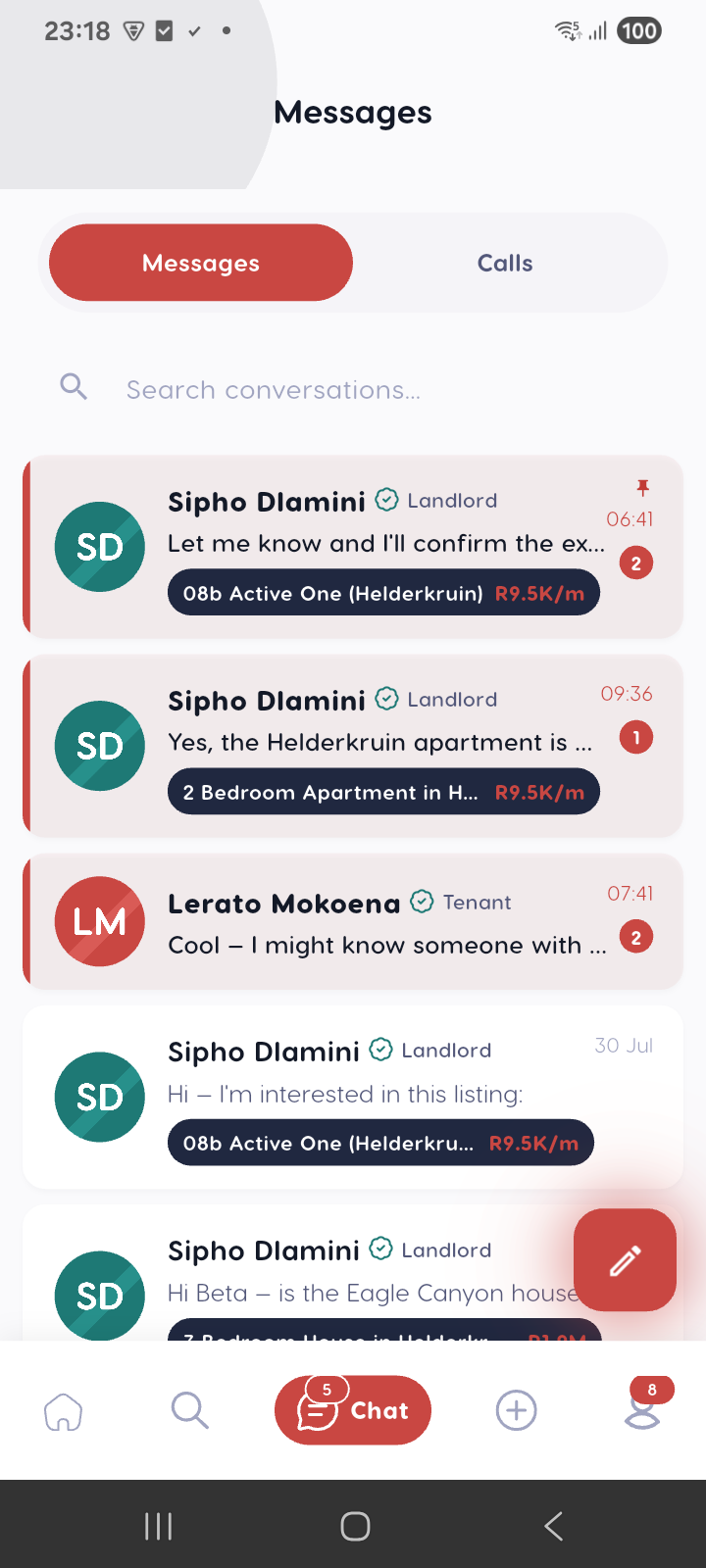
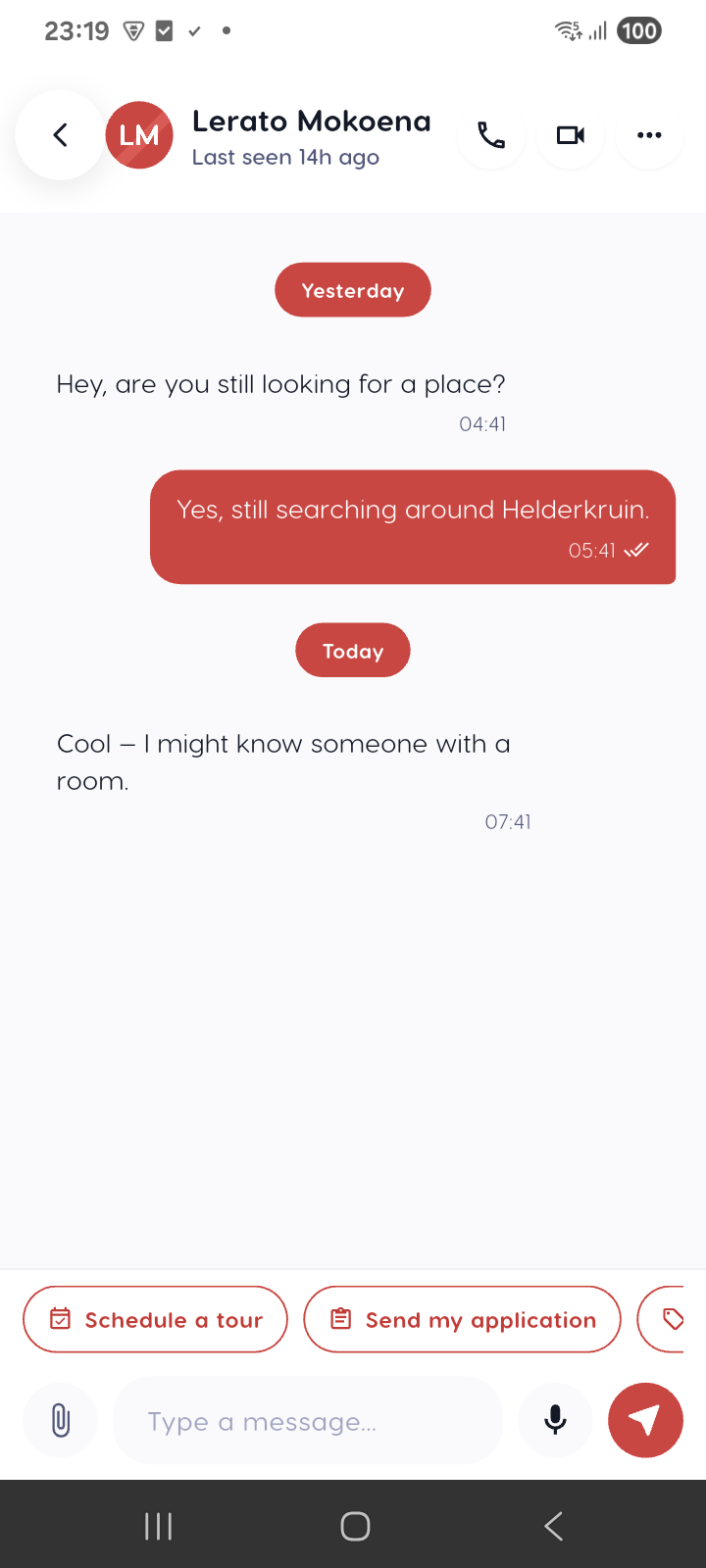
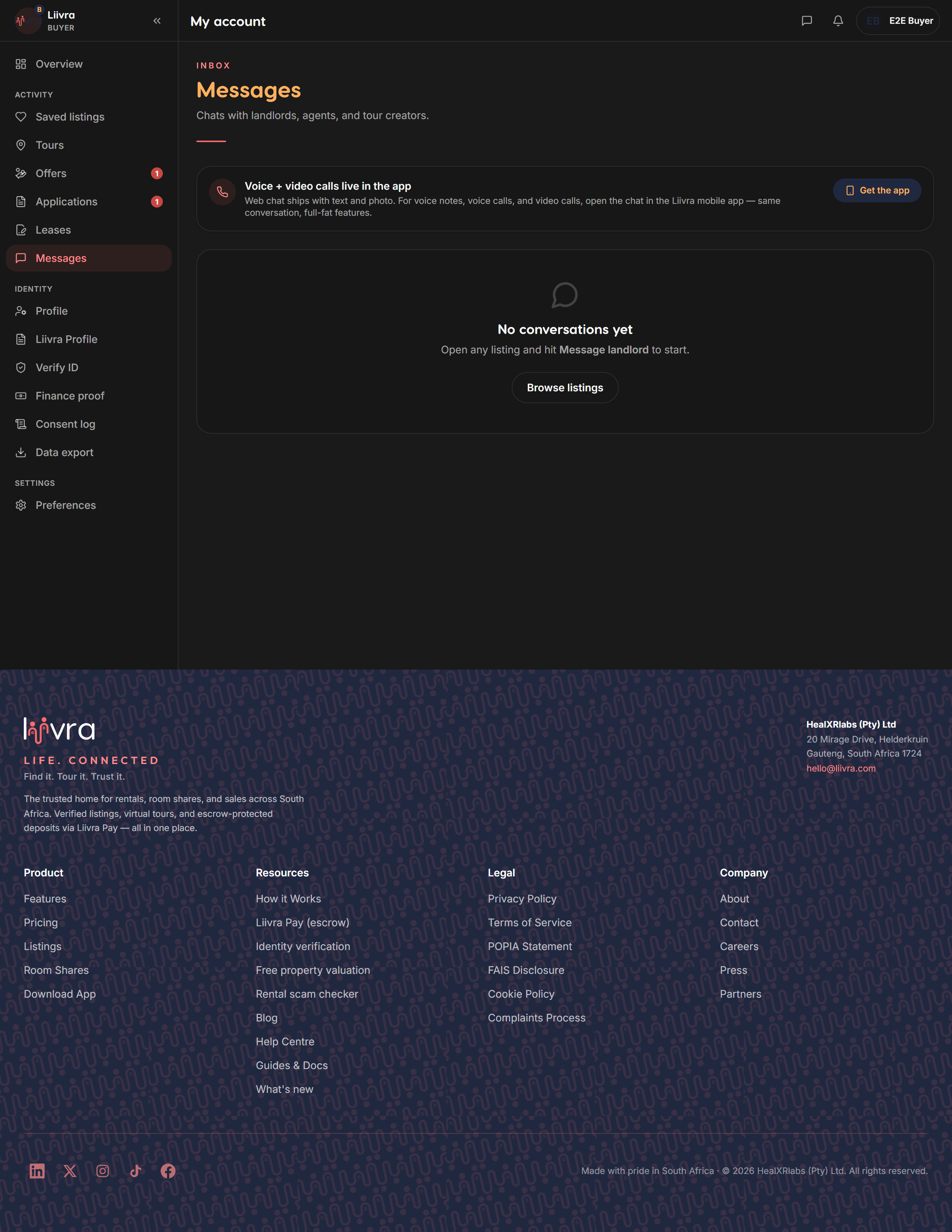
Messages & chat
Talk to the other party in real time — safely, on Liivra, with contact details protected.
Last updated 2026-07-29
Every enquiry, application, offer, and booking opens a real-time chat with the other party. Messages arrive live — no refresh — so a landlord and tenant, or a buyer and agent, can sort out the details in one place.
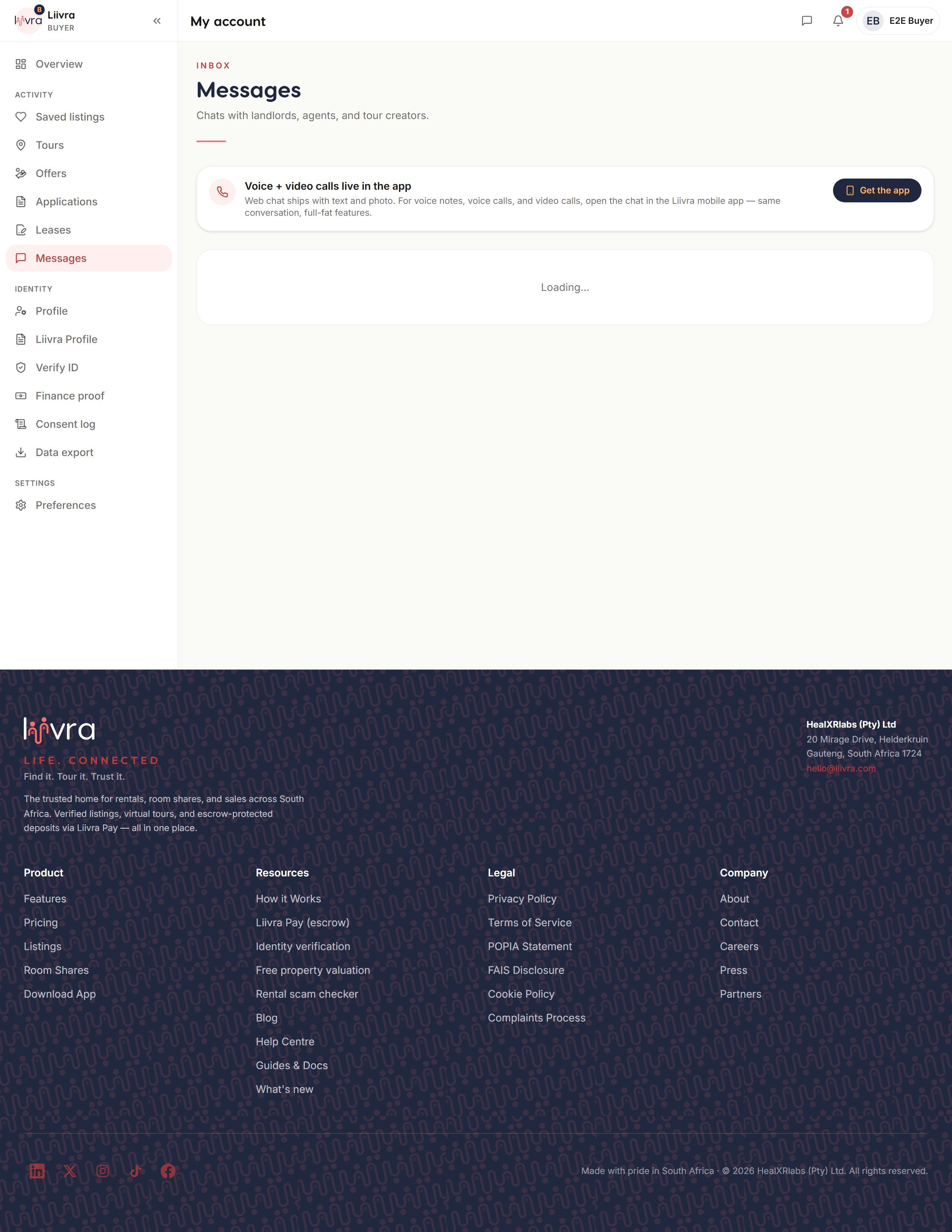
Where to find your chats
- As a tenant or buyer: Account → Messages (
/account/messages). - As a landlord, agent, or seller: Dashboard → Messages (
/dashboard/messages).
Each conversation is tied to the listing or deal it belongs to, so you always know what it's about.
Staying safe in chat
- Keep the conversation on Liivra. We automatically strip phone numbers, emails, and links from listings and messages so nobody can pull you off-platform — where scams happen and where you lose our protections.
- Liivra will never ask you for a one-time PIN in chat. Anyone who does is trying to scam you.
- If a message looks like a scam, report it — our fraud and moderation models review reports and can suspend bad actors.
Good to know
- You're only messaged by people you're actually dealing with — an enquirer, an applicant, an agent on a listing you saved.
- New messages show in your notifications; tune how you're told under communication preferences.
Keep every negotiation, question, and confirmation in chat — it's your record of the deal, and it keeps you covered.
Screenshots
Captured from the live Liivra web app.
On mobile
The same screens in the Liivra iOS & Android app.